Rental cars
Enterprise rental cars, in the terminal.
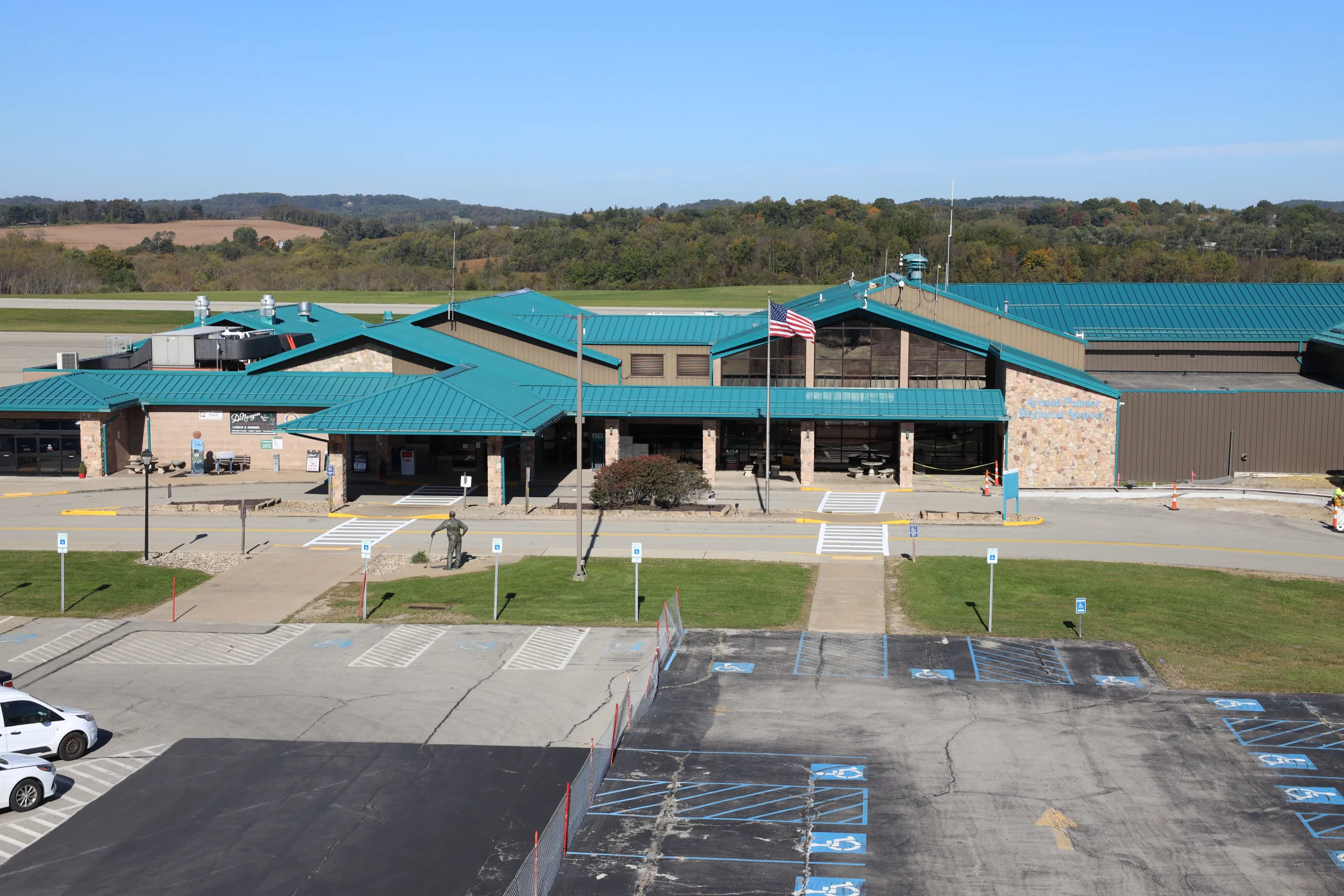
Enterprise has a counter in the terminal at Arnold Palmer Regional Airport, next to baggage claim, and its cars wait in the lot just outside, a short walk from where you pick up your bags.
Picking up
From your gate to your car
Step 1
Collect your bags
Walk from your gate to baggage claim.
Step 2
Find the Enterprise counter
It's located next to baggage claim. Have your driver's license and the credit card you booked with in hand.
Step 3
Head out to your car
Enterprise's cars are parked in the lot just outside the terminal.
Bringing it back
Enterprise doesn't accept after-hours returns. Plan to bring the car back while the counter is open.
Good to know
You'll need a valid driver's license and a major credit card in the renter's name. Age requirements and fees vary, and Enterprise can confirm both when you book.
Reserve ahead. Enterprise keeps shorter hours on Saturday and is closed on Sundays.
Hours and phone numbers can change. Confirm with Enterprise before you travel.
Also in the terminal